MOZA Z-Axis Module
MOZA Z-Axis Module
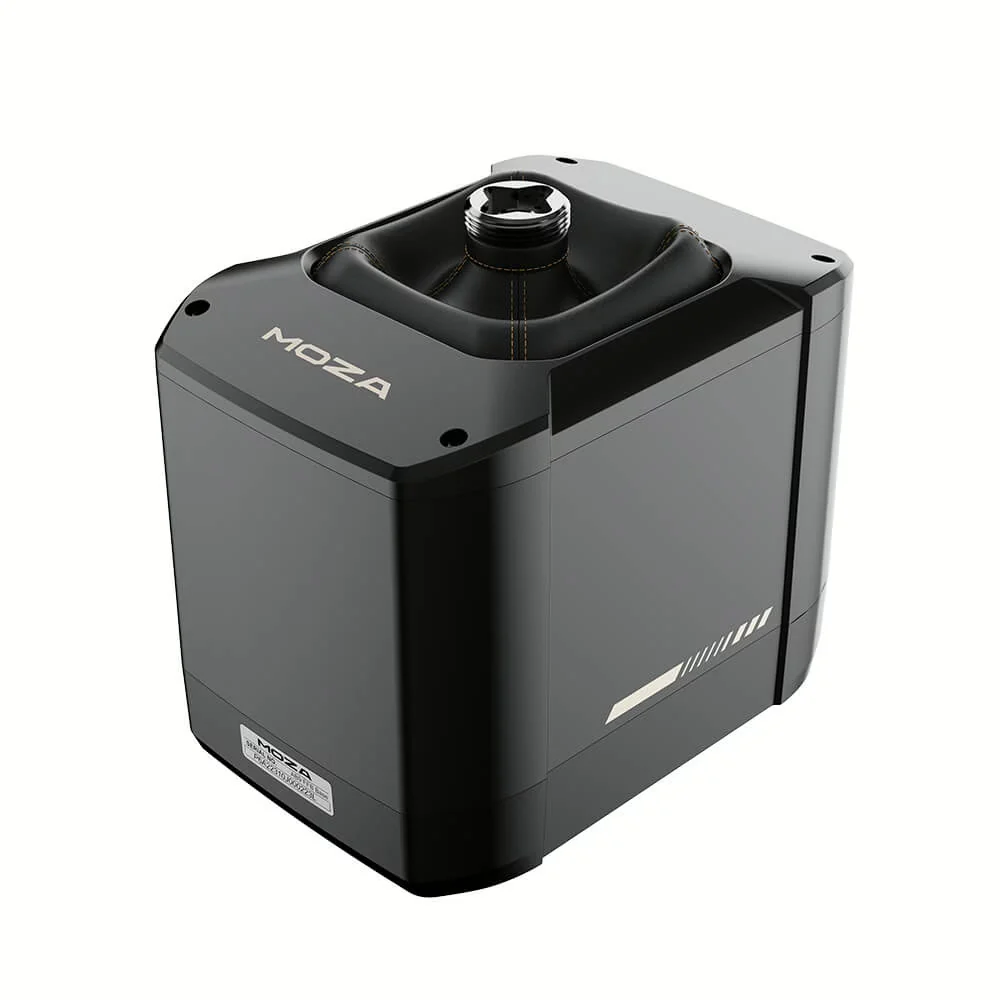
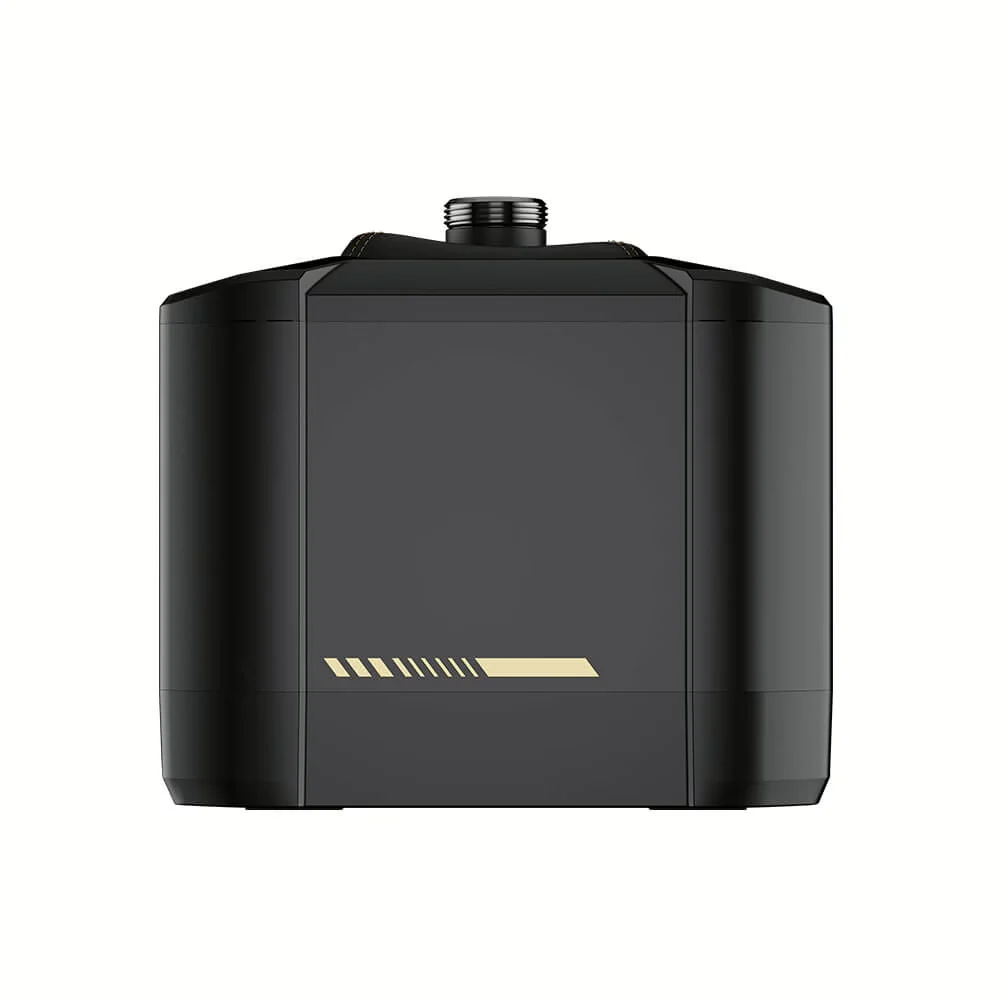
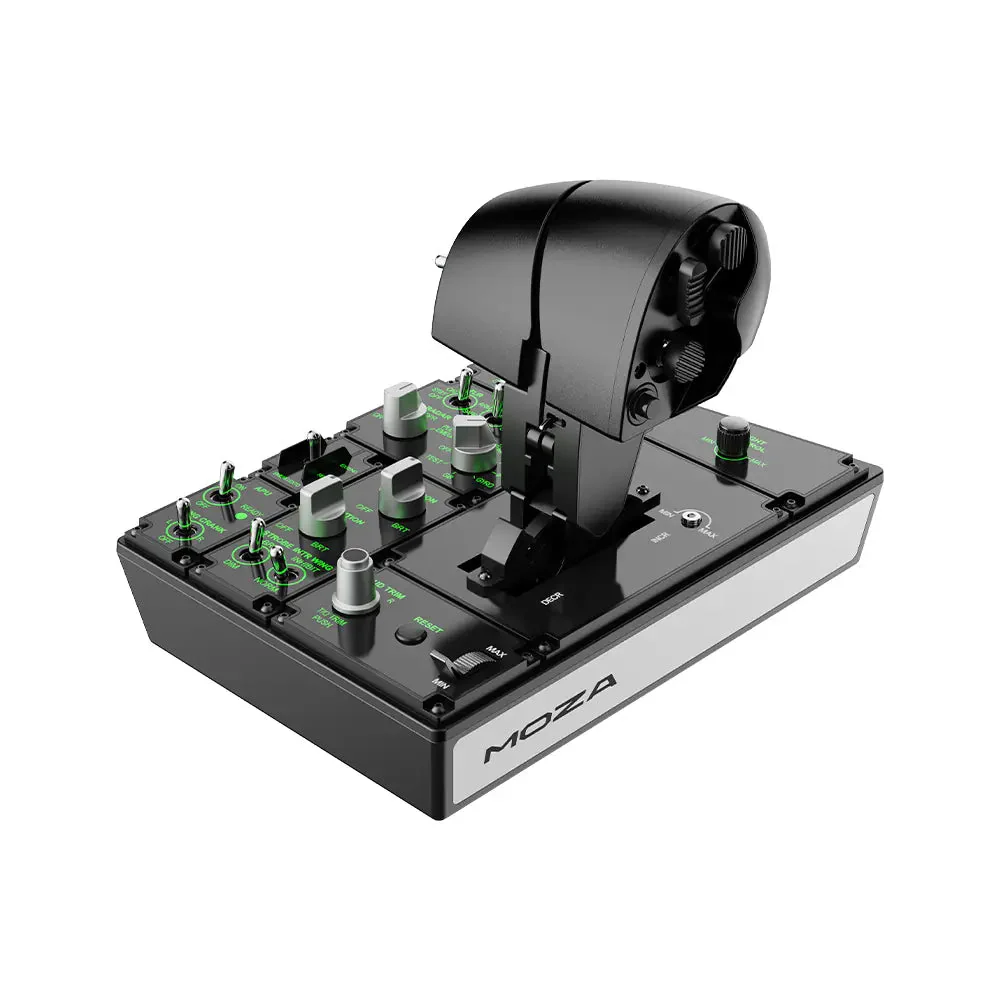
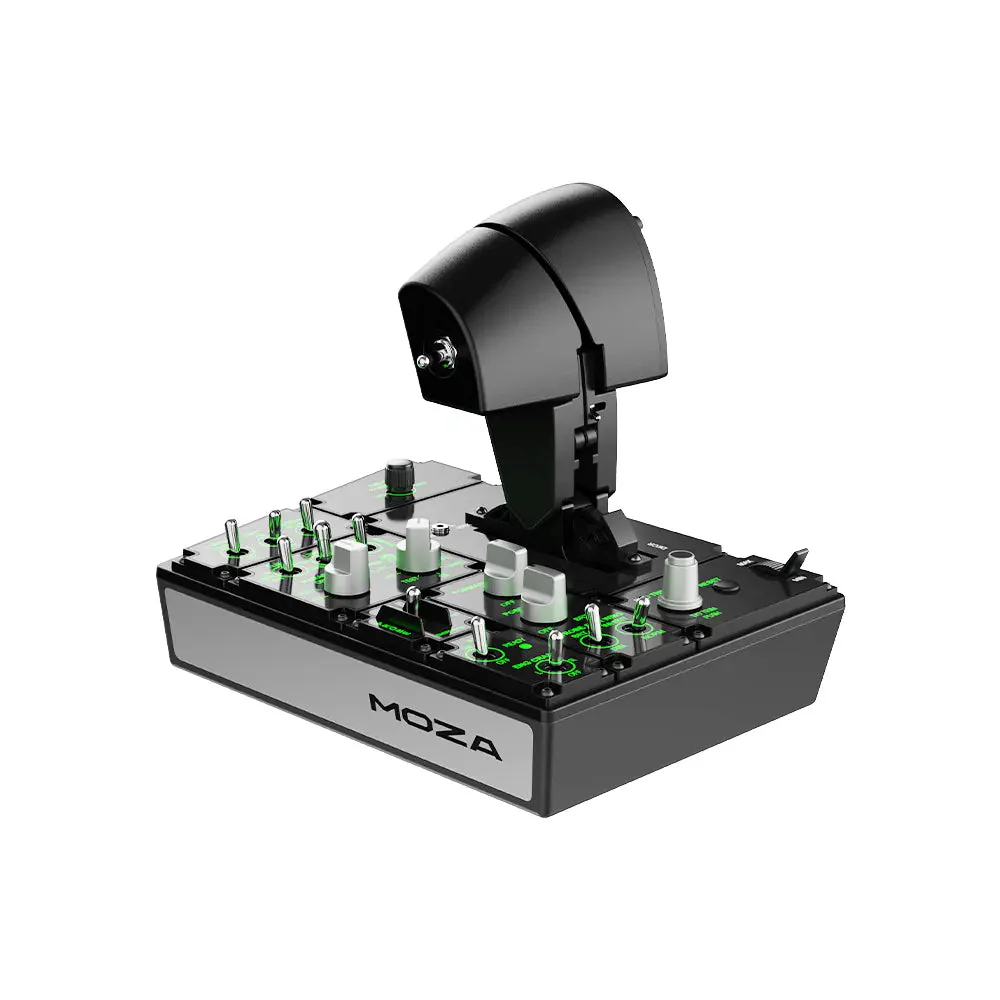
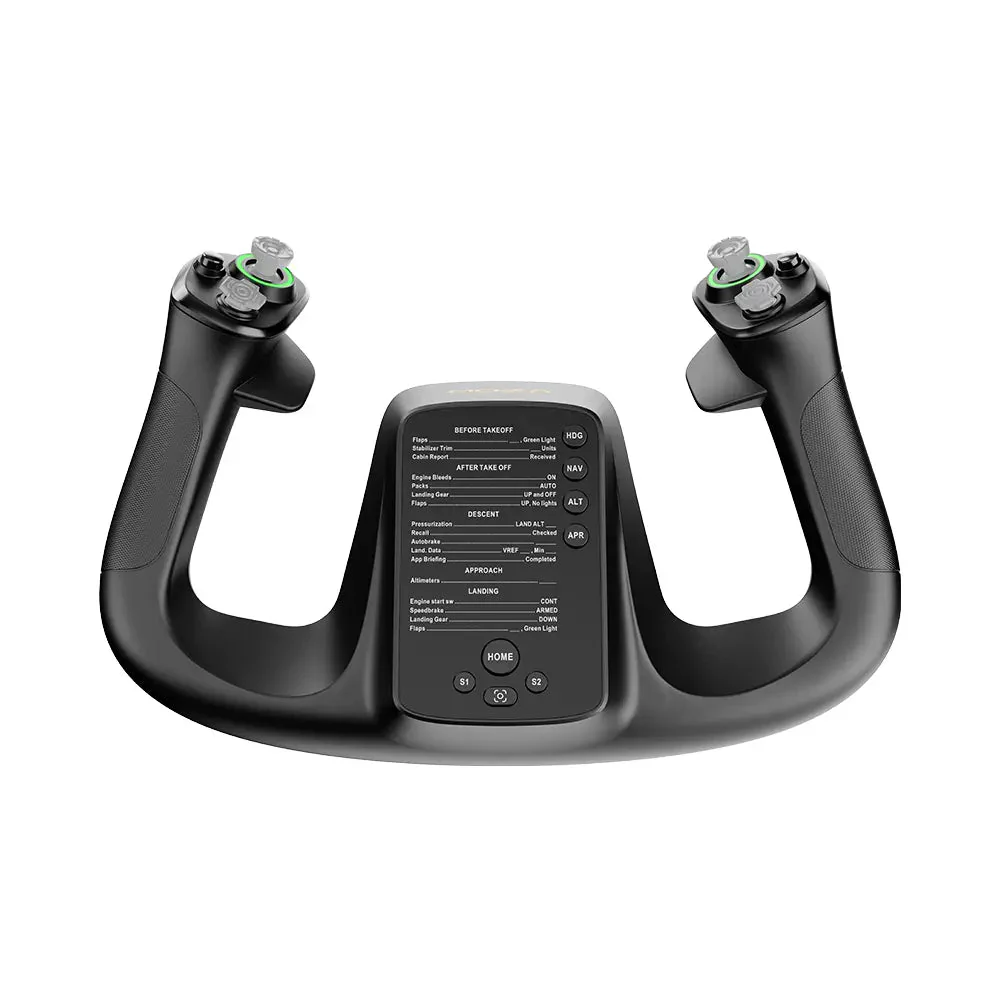
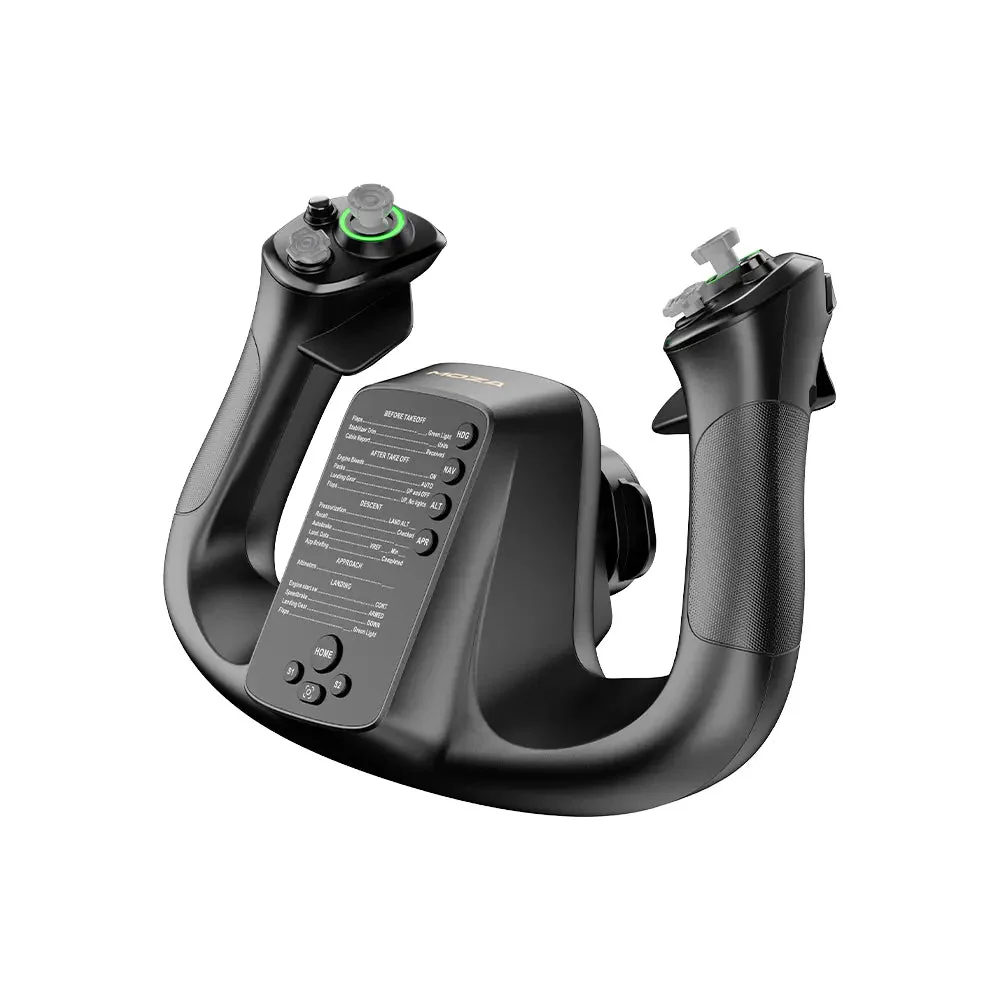
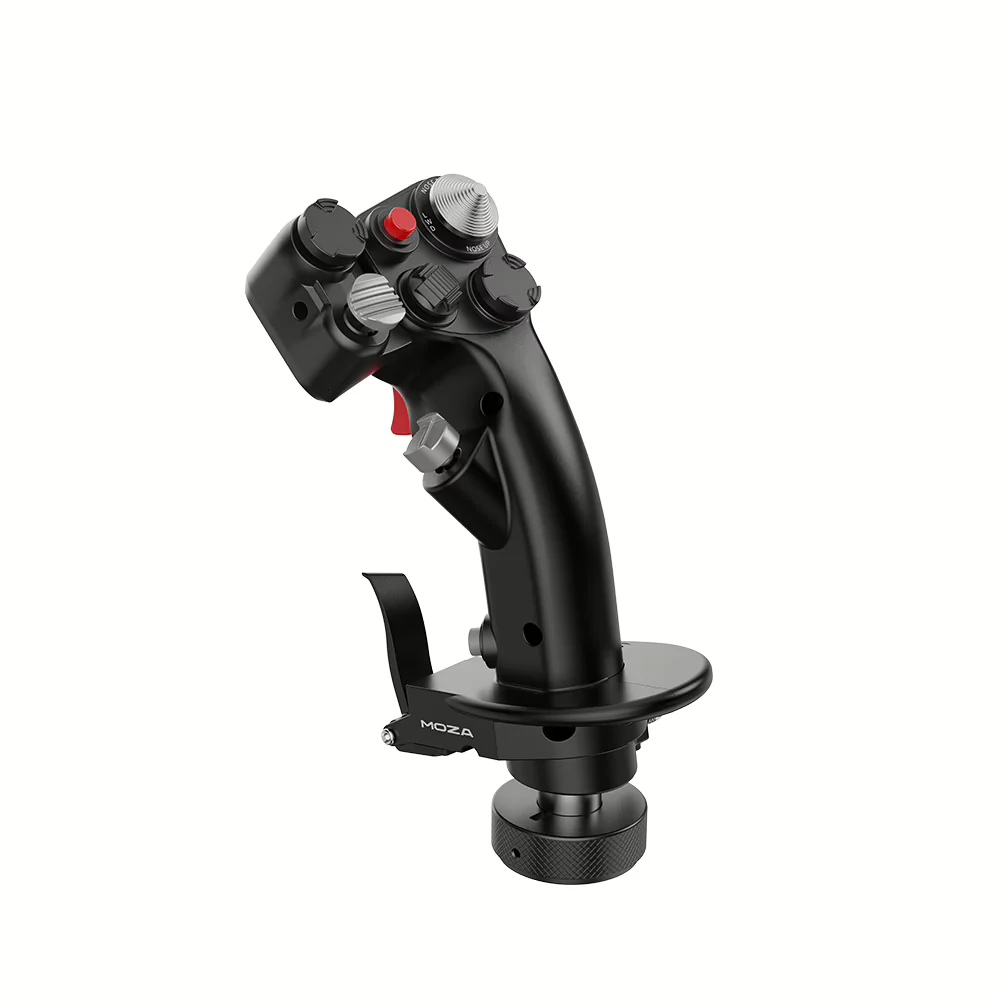
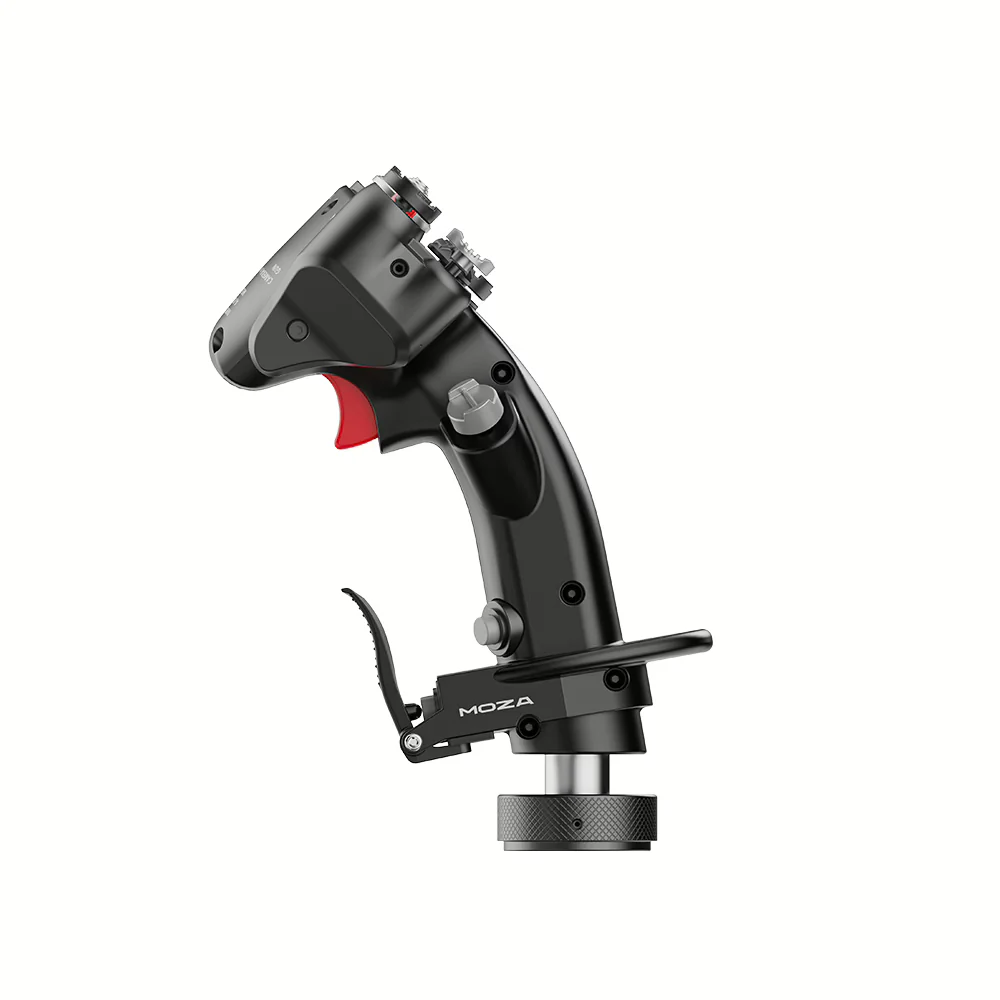
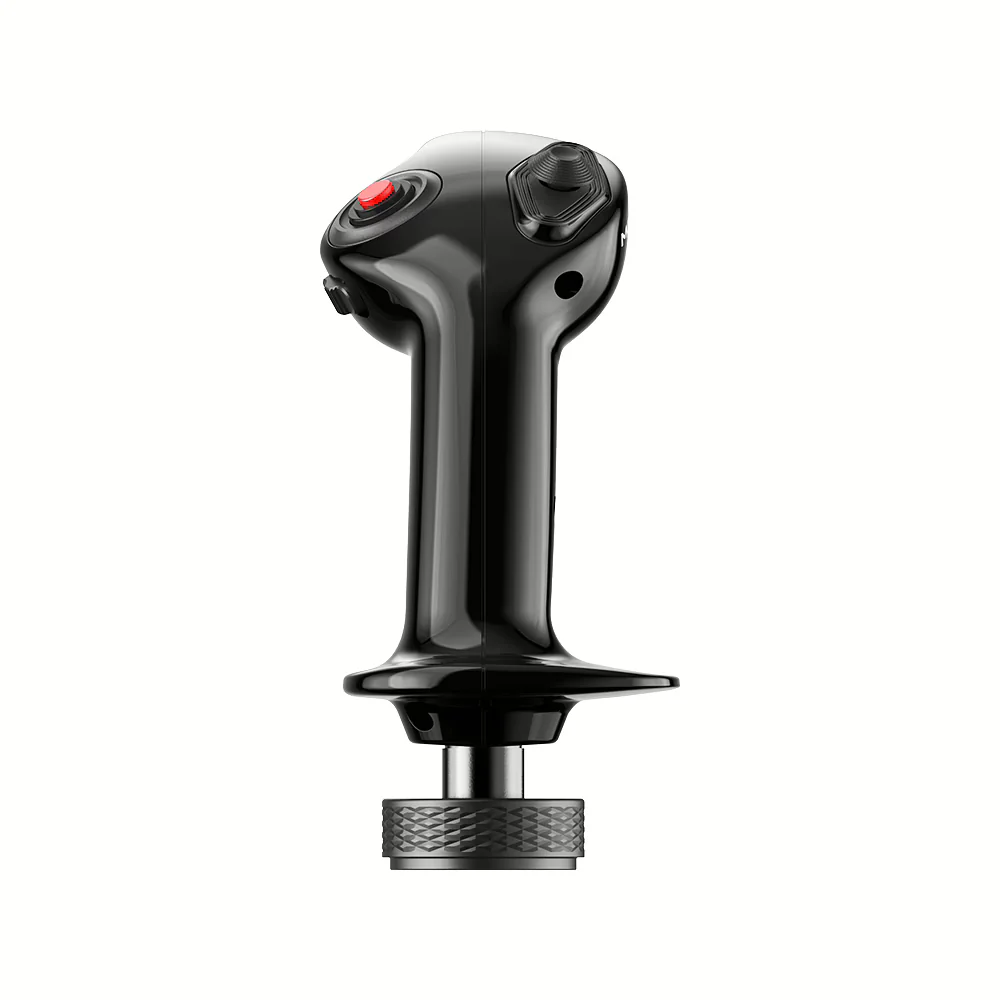
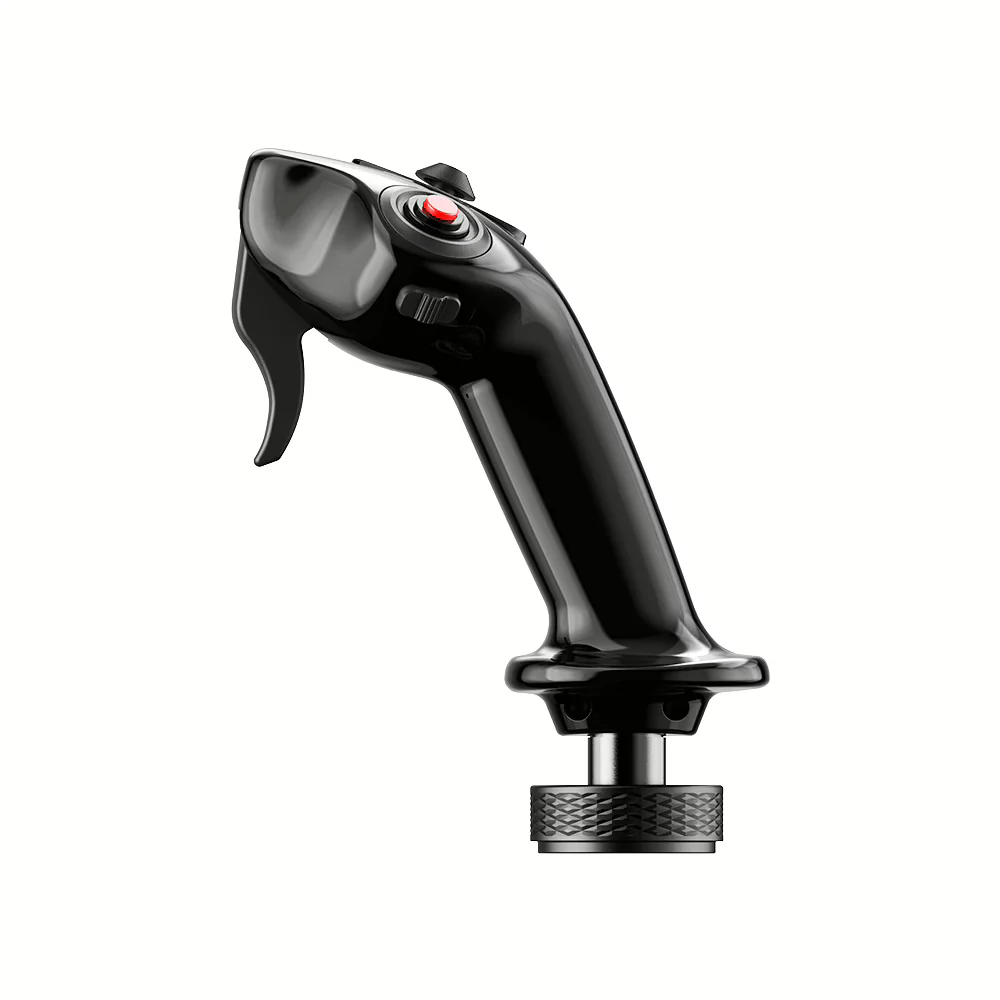
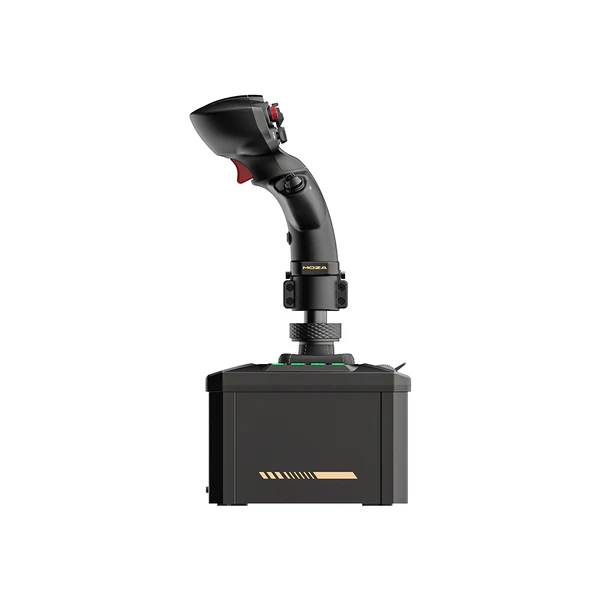
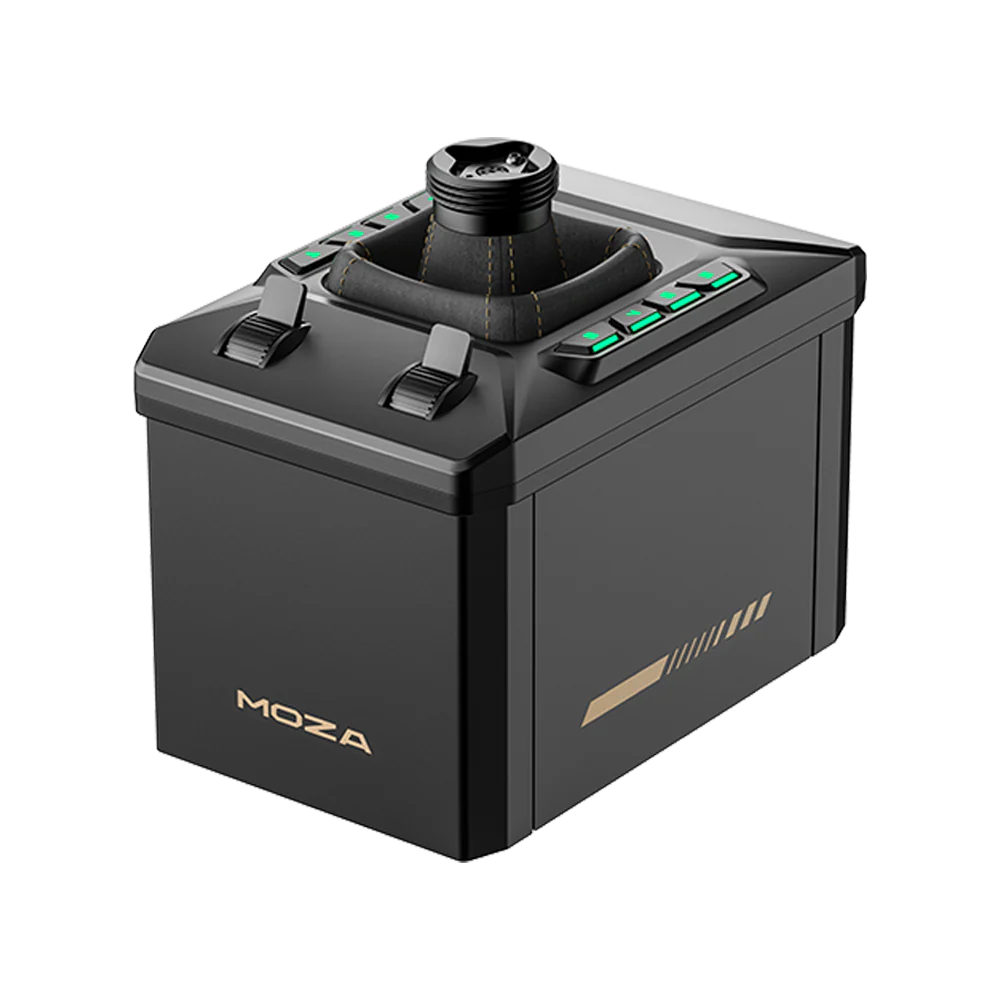
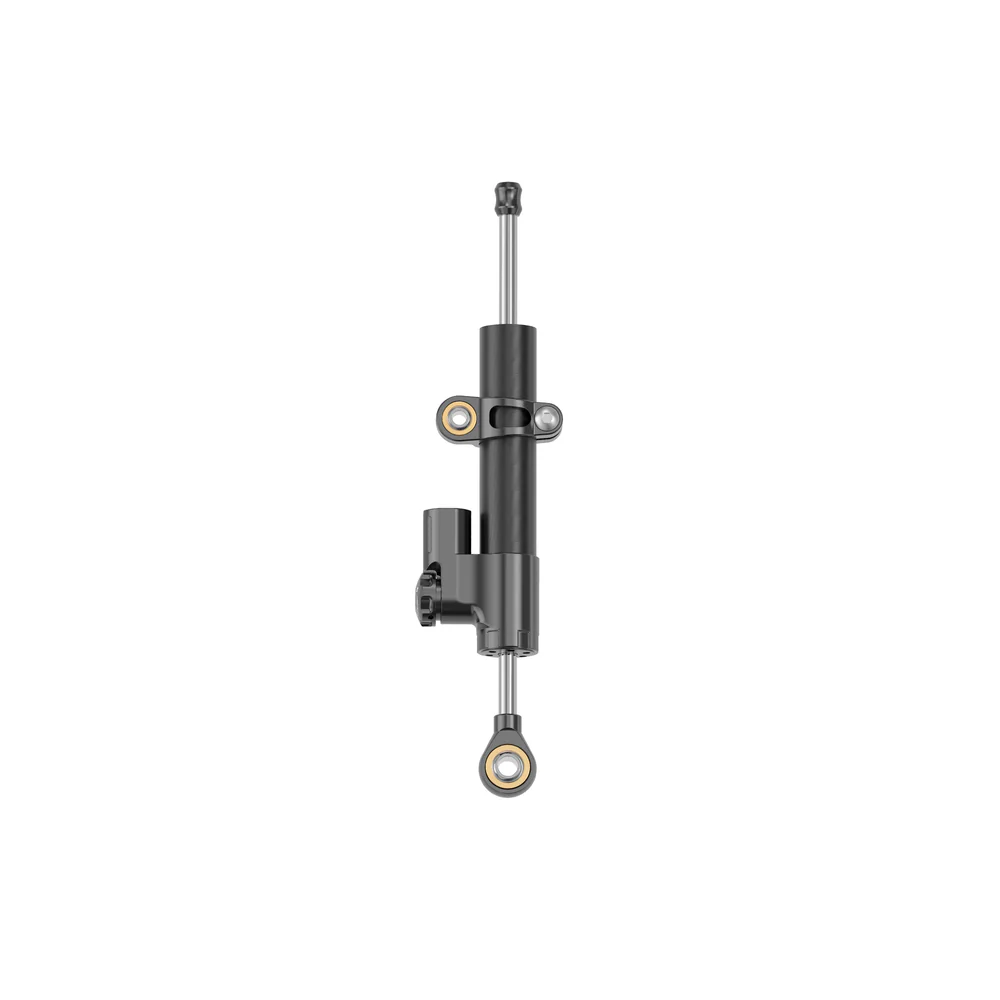
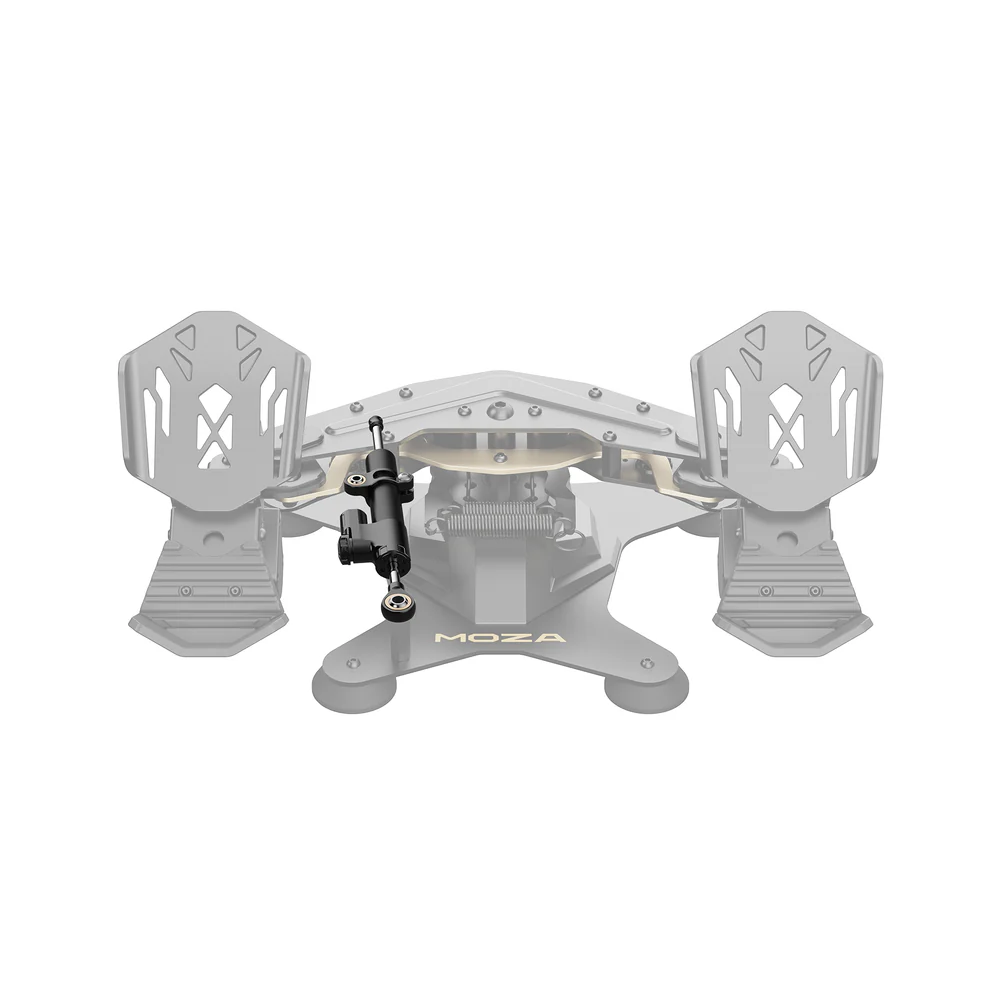
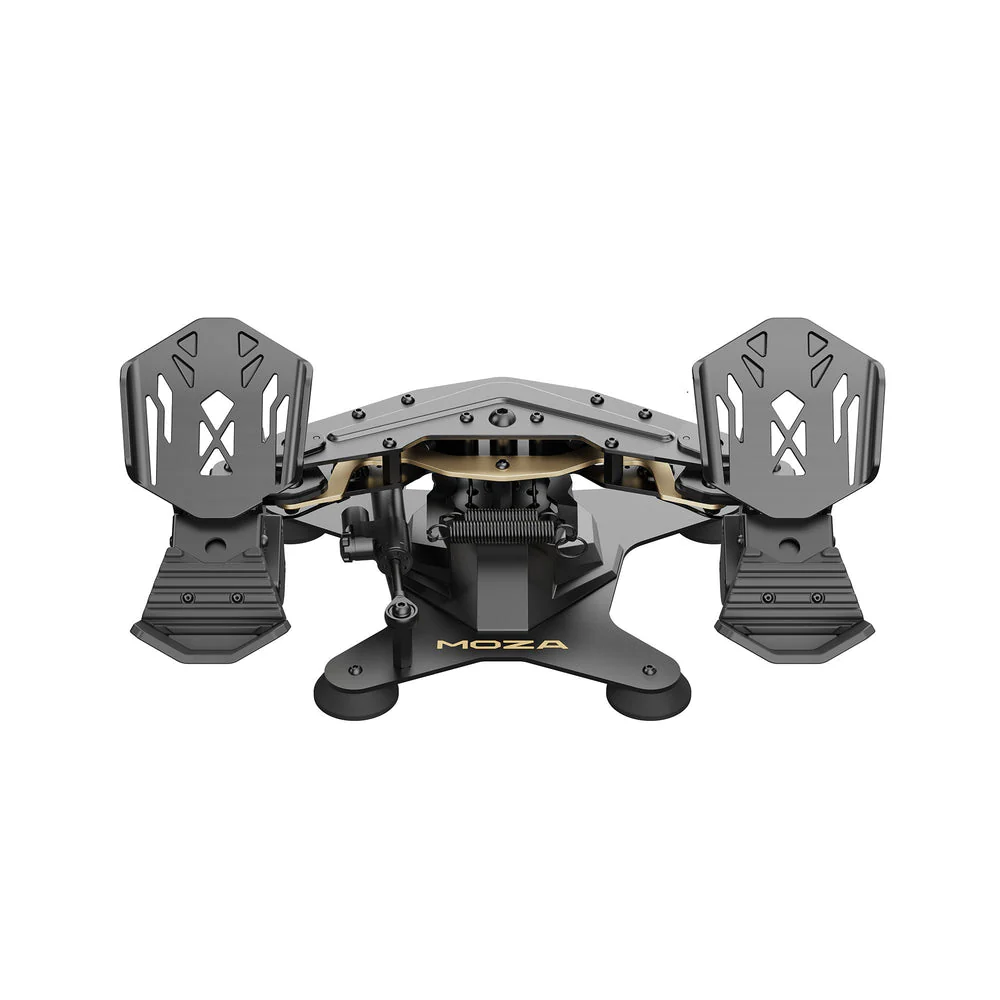
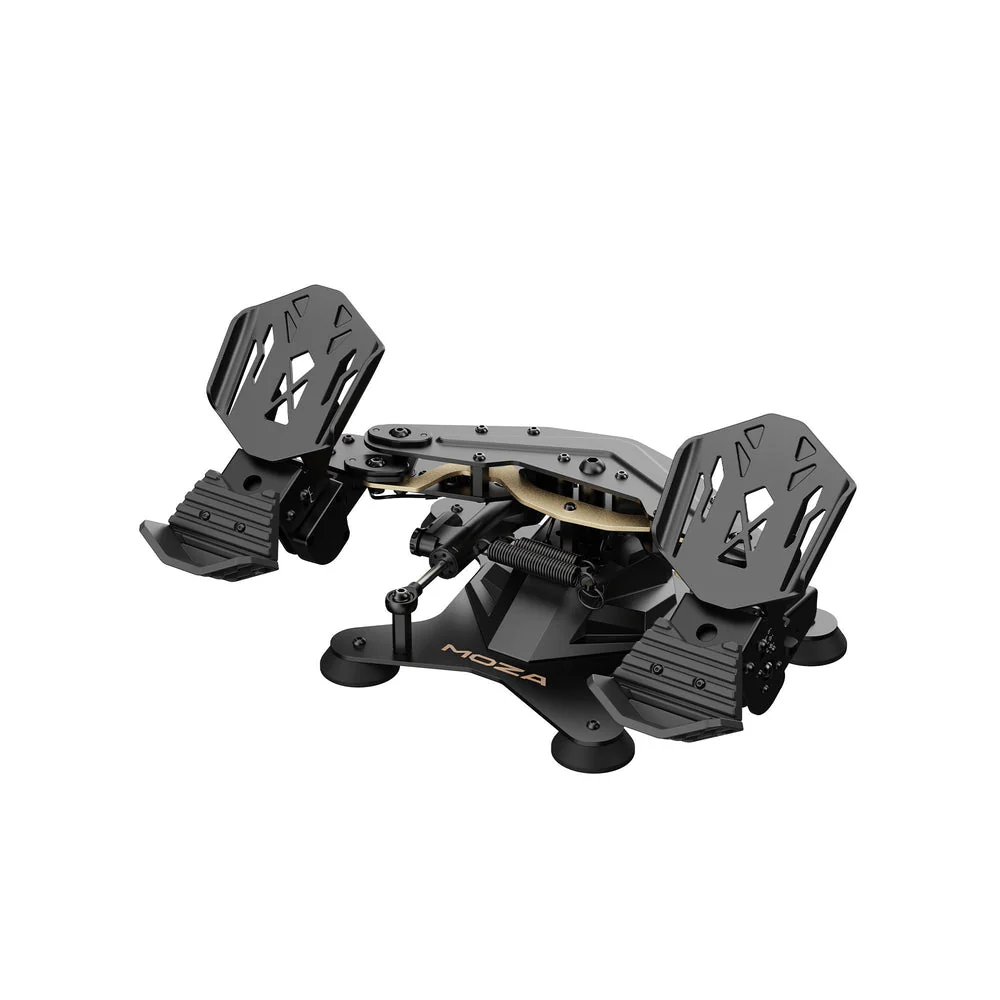
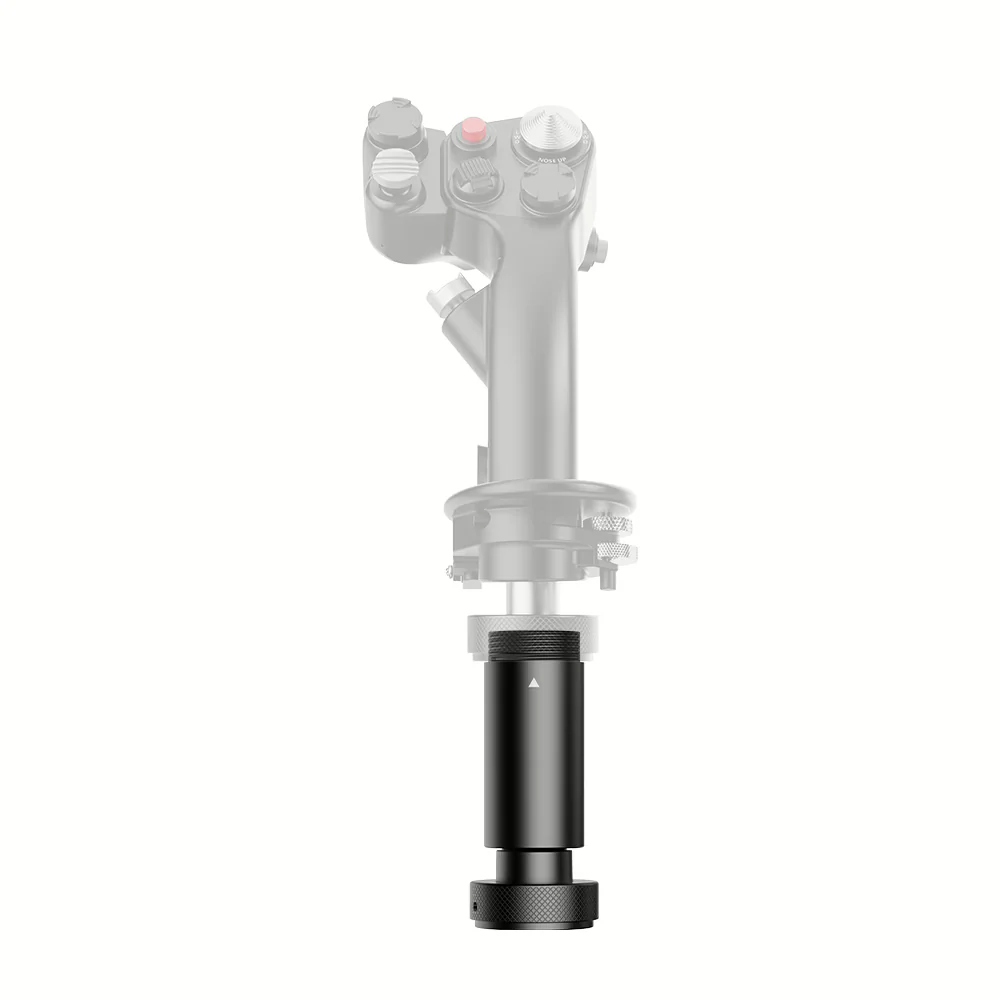
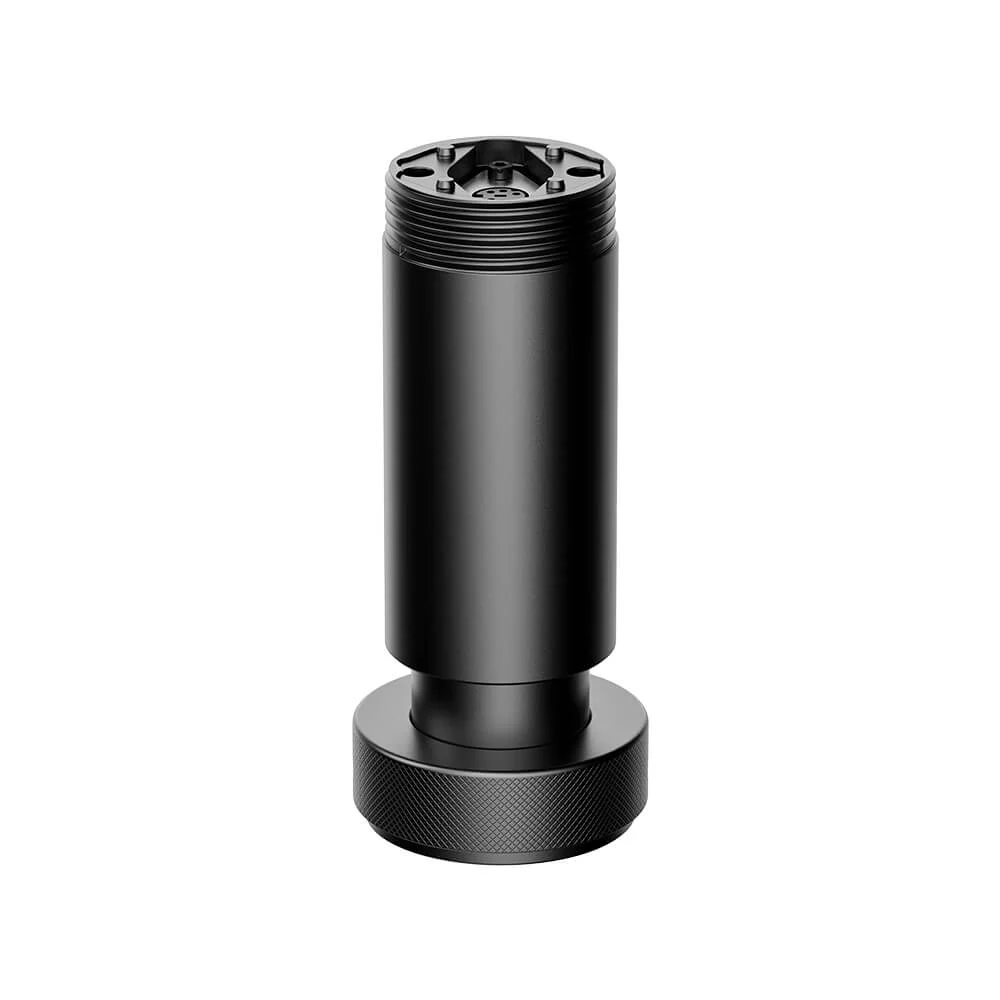
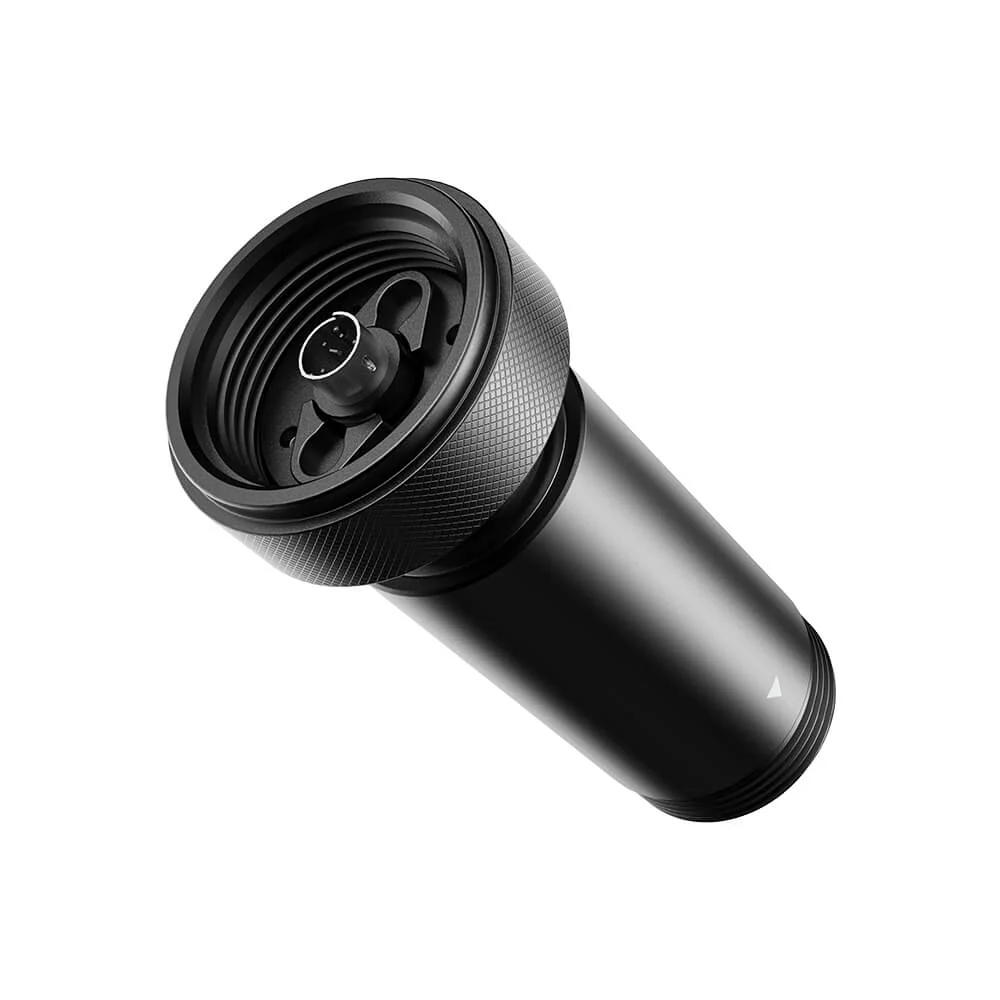
Add a dedicated yaw (Z-axis) input to your MOZA setup with a compact, precision-built module designed for smoother control and better immersion. It can also function as an ergonomic extension when you want extra reach without the Z-axis movement.
Highlights
- Dedicated Z-axis (yaw) control for more natural inputs and better fine control
- 16-bit Hall sensor for precise, contactless, drift-resistant performance
- CNC aluminum construction for rigidity, durability, and premium feel
- Extension-ready design adds reach and improves ergonomics
- Locking feature lets you disable rotation and use it as a fixed extension
- Clean integration designed to fit neatly into the MOZA ecosystem
Why You’ll Want It
Whether you’re building a more realistic control setup or just want an extra axis for custom mapping, the Z-Axis Module adds capability without clutter. Lock it out when you want a solid extension, or enable rotation when you want true Z-axis control.
Specs
| Sensor | 16-bit Hall (contactless) |
| Rotation | Z-axis (yaw) input |
| Construction | CNC aluminum |
| Extension Length | 97 mm (when used as an extension) |
| Mode | Rotation enabled or locked (fixed extension) |
Note: Confirm fitment/compatibility with your specific MOZA hardware before purchase.
What’s Included
- MOZA Z-Axis Module
- Required mounting hardware
- Installation documentation (manufacturer provided)
Best For
- Adding a dedicated Z-axis/yaw input
- Improving ergonomics with extra reach
- Clean, modular upgrades to a MOZA setup
Pro tip: If you want a more rigid feel, engage the lock so it behaves like a fixed extension. If you want added control, unlock it and map the Z-axis in your sim.
Original: $89.00
-65%$89.00
$31.15More Images
MOZA Z-Axis Module
MOZA Z-Axis Module
Add a dedicated yaw (Z-axis) input to your MOZA setup with a compact, precision-built module designed for smoother control and better immersion. It can also function as an ergonomic extension when you want extra reach without the Z-axis movement.
Highlights
- Dedicated Z-axis (yaw) control for more natural inputs and better fine control
- 16-bit Hall sensor for precise, contactless, drift-resistant performance
- CNC aluminum construction for rigidity, durability, and premium feel
- Extension-ready design adds reach and improves ergonomics
- Locking feature lets you disable rotation and use it as a fixed extension
- Clean integration designed to fit neatly into the MOZA ecosystem
Why You’ll Want It
Whether you’re building a more realistic control setup or just want an extra axis for custom mapping, the Z-Axis Module adds capability without clutter. Lock it out when you want a solid extension, or enable rotation when you want true Z-axis control.
Specs
| Sensor | 16-bit Hall (contactless) |
| Rotation | Z-axis (yaw) input |
| Construction | CNC aluminum |
| Extension Length | 97 mm (when used as an extension) |
| Mode | Rotation enabled or locked (fixed extension) |
Note: Confirm fitment/compatibility with your specific MOZA hardware before purchase.
What’s Included
- MOZA Z-Axis Module
- Required mounting hardware
- Installation documentation (manufacturer provided)
Best For
- Adding a dedicated Z-axis/yaw input
- Improving ergonomics with extra reach
- Clean, modular upgrades to a MOZA setup
Pro tip: If you want a more rigid feel, engage the lock so it behaves like a fixed extension. If you want added control, unlock it and map the Z-axis in your sim.
Product Information
Product Information
Shipping & Returns
Shipping & Returns
Description
MOZA Z-Axis Module
Add a dedicated yaw (Z-axis) input to your MOZA setup with a compact, precision-built module designed for smoother control and better immersion. It can also function as an ergonomic extension when you want extra reach without the Z-axis movement.
Highlights
- Dedicated Z-axis (yaw) control for more natural inputs and better fine control
- 16-bit Hall sensor for precise, contactless, drift-resistant performance
- CNC aluminum construction for rigidity, durability, and premium feel
- Extension-ready design adds reach and improves ergonomics
- Locking feature lets you disable rotation and use it as a fixed extension
- Clean integration designed to fit neatly into the MOZA ecosystem
Why You’ll Want It
Whether you’re building a more realistic control setup or just want an extra axis for custom mapping, the Z-Axis Module adds capability without clutter. Lock it out when you want a solid extension, or enable rotation when you want true Z-axis control.
Specs
| Sensor | 16-bit Hall (contactless) |
| Rotation | Z-axis (yaw) input |
| Construction | CNC aluminum |
| Extension Length | 97 mm (when used as an extension) |
| Mode | Rotation enabled or locked (fixed extension) |
Note: Confirm fitment/compatibility with your specific MOZA hardware before purchase.
What’s Included
- MOZA Z-Axis Module
- Required mounting hardware
- Installation documentation (manufacturer provided)
Best For
- Adding a dedicated Z-axis/yaw input
- Improving ergonomics with extra reach
- Clean, modular upgrades to a MOZA setup
Pro tip: If you want a more rigid feel, engage the lock so it behaves like a fixed extension. If you want added control, unlock it and map the Z-axis in your sim.